Download Dolby Atmos for LineageOS 14.1 nougat 7.0 roms [Zip]
Want to boost your device speaker to its max potential and unlock real base of your mobile speakers and headphone.Then you must download and install Dolby Atmos mod apk for lineage os 14.1 nougat and marshmallow.This guide will help you in How to install Dolby Atmos on lineageos make sure you device is rooted because without root you can’t install Dolby Atmos on your Android device.

Well it is pretty easy to install and uninstall dolby atmos on any device.And make its sound quality more clear and give a 3D experience.works for all ARM devices.To install dolby atmos all you need is any custom recovery in your device and root access.If you face any FCs or any error while installing or after installing the sound mod of dolby.Then just flash dolby atmos uninstaller from the recovery to uninstall it and get your device back to original state as it was earlier.
But don’t worry about its if your device does not supports download Dolby atmos officially then you can install download Dolby atmos on marshmallow and other android devices easily unofficiallyit still works fine on any device running Android 4.3 Jelly Bean, Android 4.4 – 4.4.2 or 4.4.4 KitKat, Android 5.0.2, 5.1.1 Lollipop or Android 6.0, 6.0.1 Marshmallow.
#How to install Dolby Atmos Mod on Lineage OS
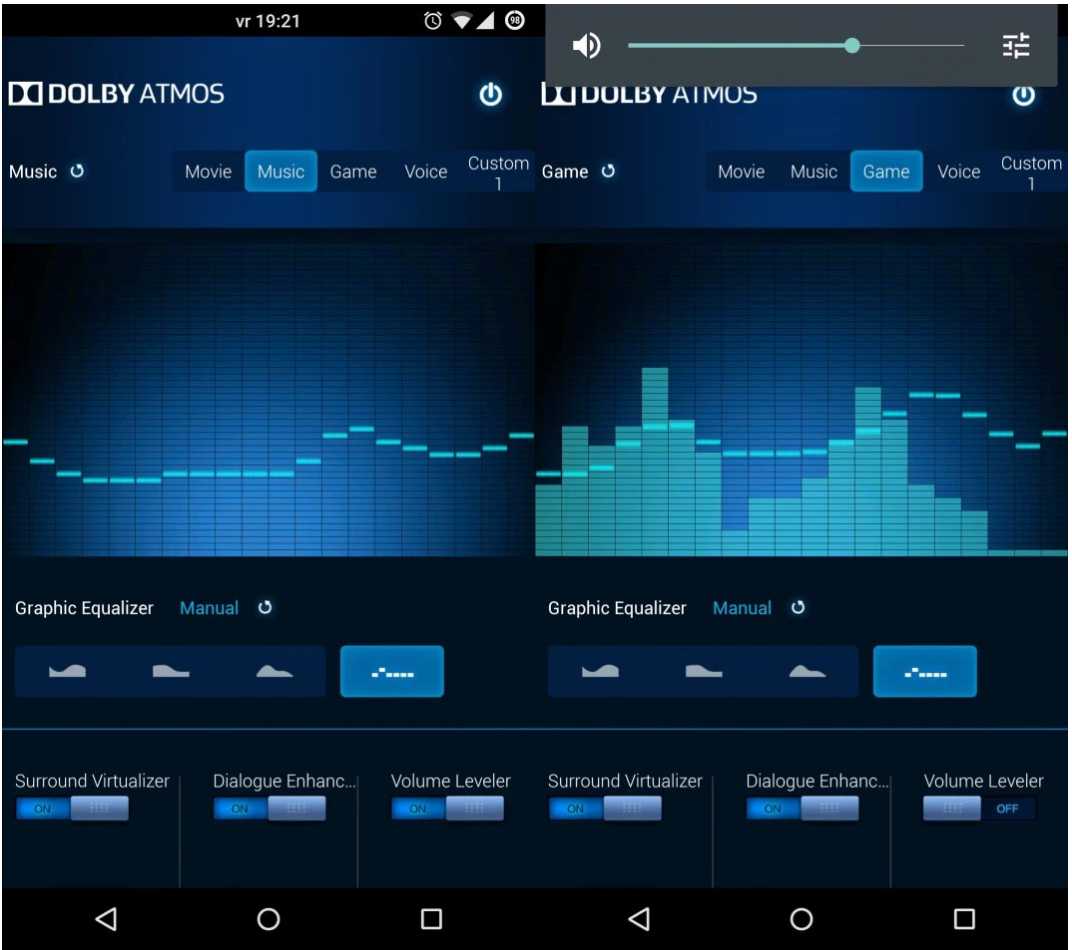
- Make sure you have any custom recovery installed in your device TWRP recovery is recommended.
- Now Download Dolby atmos mod files from the below download section.
- Now copy all the files in your device memory wherever you want.
- Then reboot your device in to recovery mode.
- Now Select “Install -> chose zip from SD card-> locate the .zip file [dap_r6.5.zip] “ and flash this zip file.
- Once installed before rebooting , wipe the cache partition and dalvik cache from twrp recovery.
- Afte wiping cache just reboot your device.
- Done ! You just install Dolby atmos on your device.
- You can check the Doly Atmos app in your app drawer on your phone
- Open the app and change the setting like Equalizer,Base,Treble accordingly (Rock, Base,Vocal, Party etc )
So here is how to install dolby atmos on any lineage os.If you face any error like dolby atmos stopped working or it just not working right on your device then you can uninstall Dolby atmos by flash the dolby atmos uninstaller download it from the link given below.Use the same instruction for uninstalling given above.
#Download Dolby atmos
posted by johan @ February 19, 2017
7 Comments


